Windows IUEditor
latest

Introduction

  • What is IUEditor?
  • Environment
  • License

Tutorial

  • Basic
  • Widget usage

Screen

  • Screen
  • Menu
  • Toolbar
  • Canvas
  • Left Panel
  • Right Panel
    • Style
    • Link
      • Type
        • Page Type
        • URL Type
        • Panel Type
        • Popup Type
    • Event
    • Detail
  • Developer View
  • Project Properties

Widgets

  • Sheet
  • Widgets

External API

  • Javascript for Widget
Windows IUEditor
  • Docs »
  • Right Panel »
  • Link
  • Edit on GitHub

Link

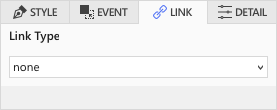
It is a function to set a hyperlink to the URL, page in the project, popup or panel that enters the selected widget.

../_images/link1.png

Type

Page Type

../_images/type_01.png

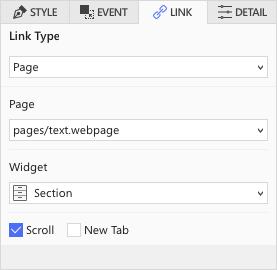
Create a relative URL of the selected page. If the page is same to the current page and the widget is selected, you can use the scroll animation (smoothly move to the widget).

URL Type

../_images/type_02.png

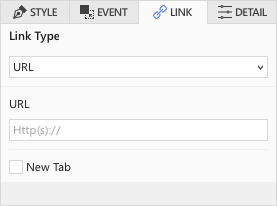
URL type sets the page to connect to using url.

Panel Type

../_images/type_03.png

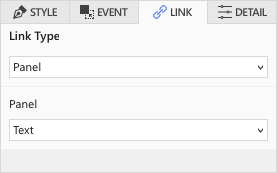
For panel type, select a panel in the list to set the link type.

Popup Type

../_images/type_04.png

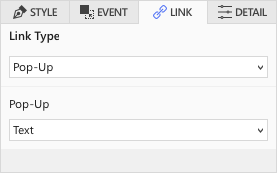
For popup type, select a popup in the list to set the link type.
Next Previous

© Copyright 2019, JDLab Revision 1337f3ba.

Built with Sphinx using a theme provided by Read the Docs.